Tutorial
Click on thumbnailed images to enlarge
**Please note that this was a quick draft. Your appearance results do not have to turn out like mine.
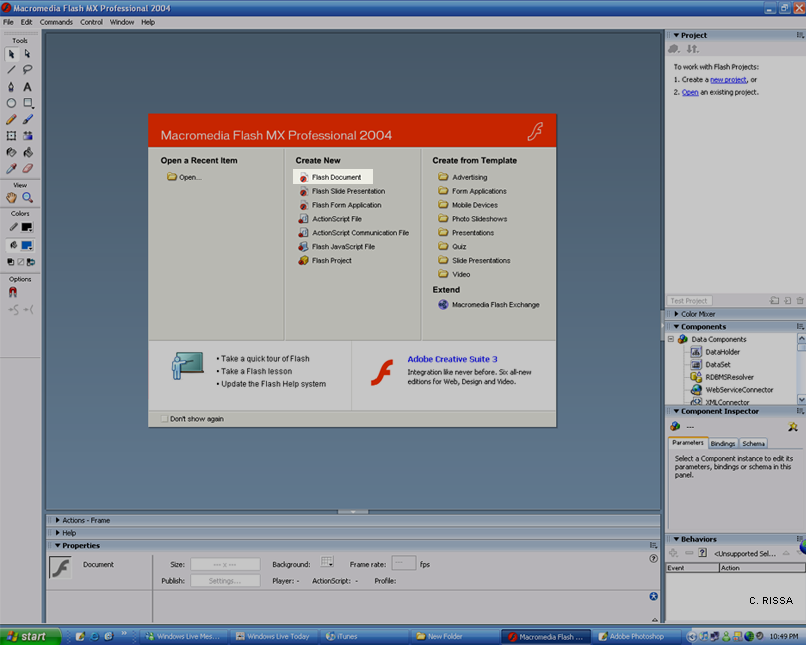
Step 1: Open your Micromedia Flash Program. It should look like mine. Then go to Flash Document.
Step 2: Take your base for your button. I will just use a rectangle.
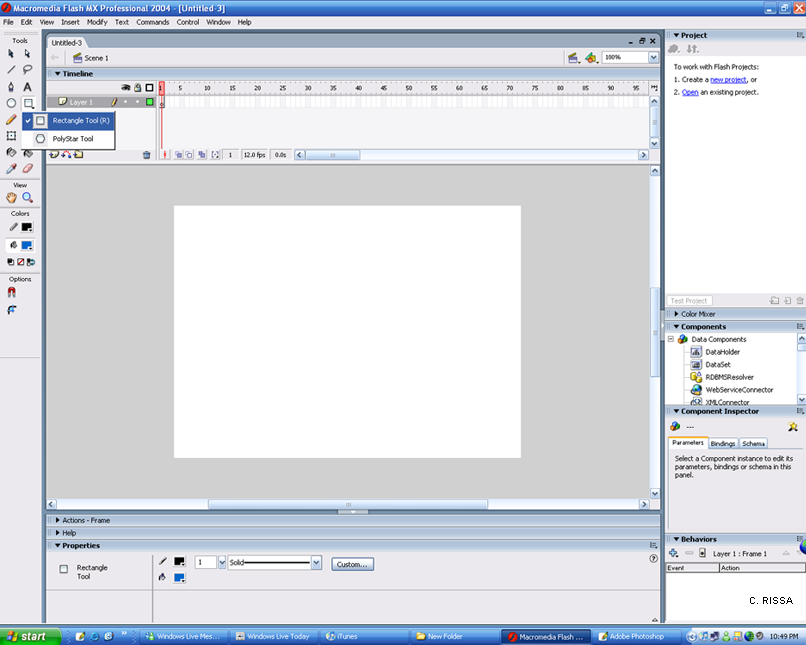
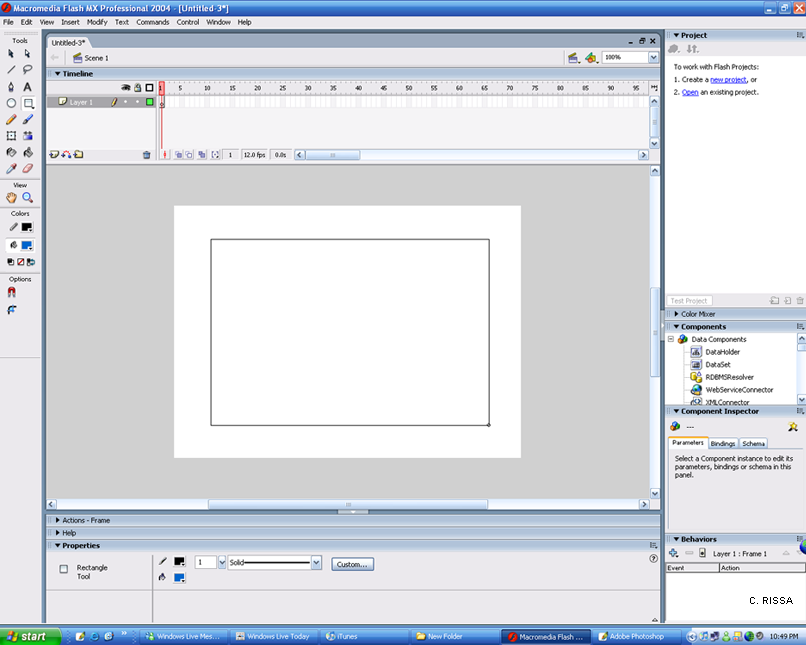
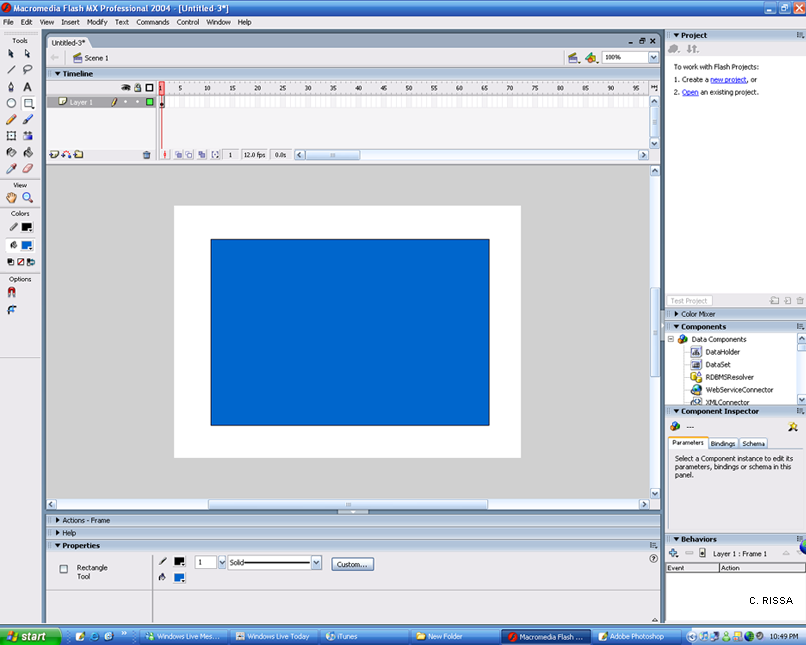
Step 3: Take your Selection Tool.
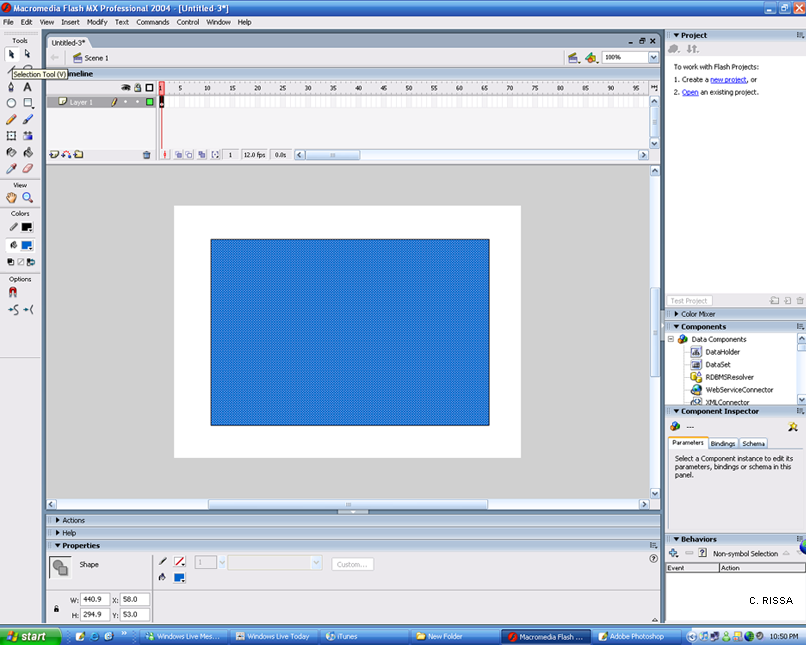
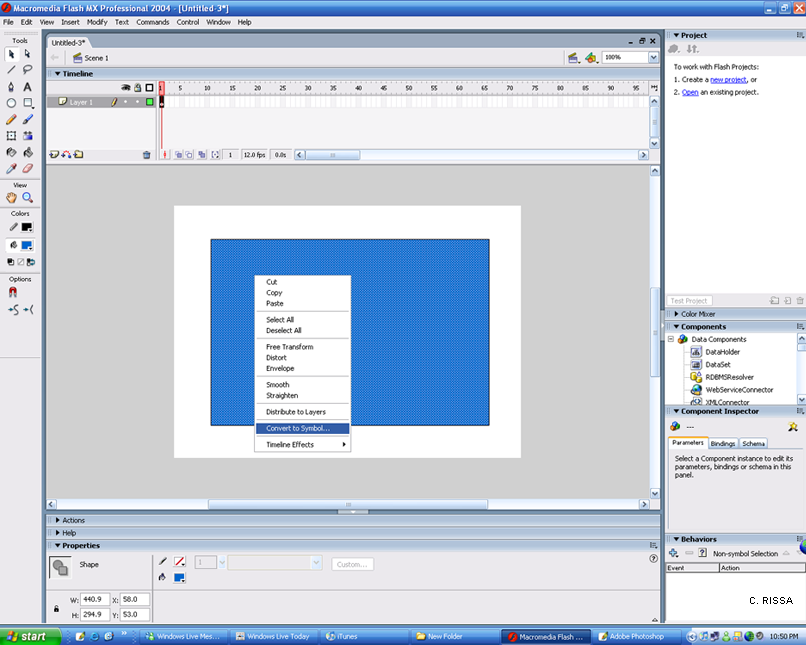
-Right Click. And go to Convert to Symbol.
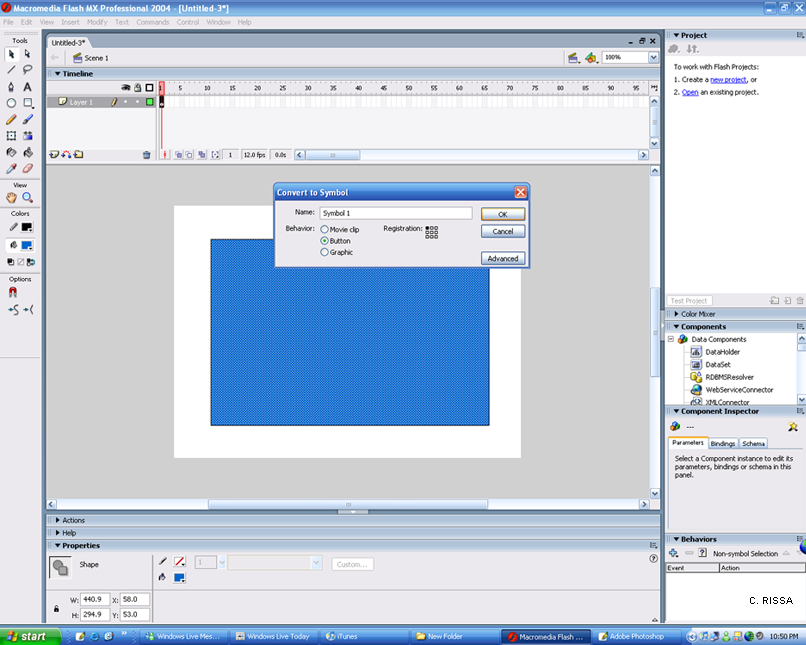
-Name it whatever you want, And set the behavior to Button. Then click Okay.
Step 4: Double Click your symbol, And on your timeline at the top, you'll see Up Over Down and Hit.
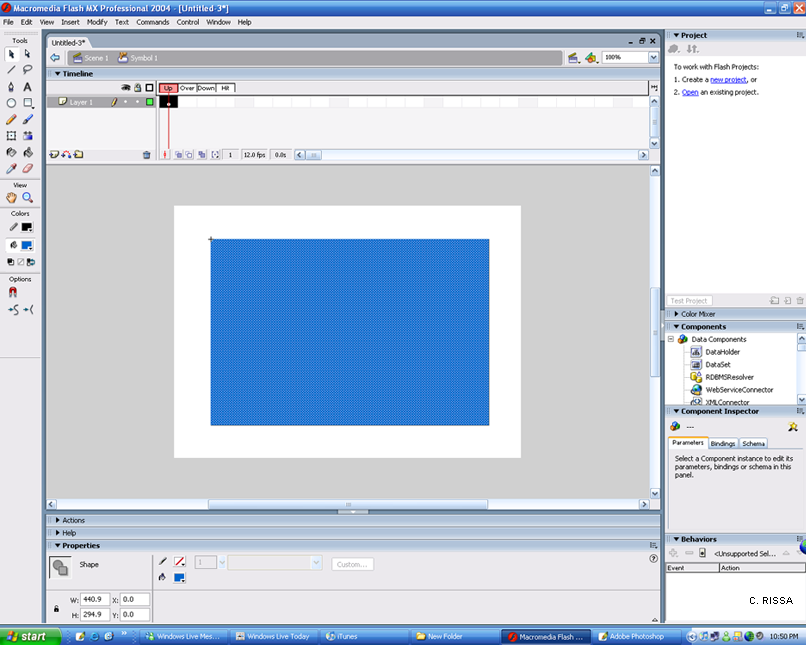
-Right click on those and Insert Keyframe for all of them.
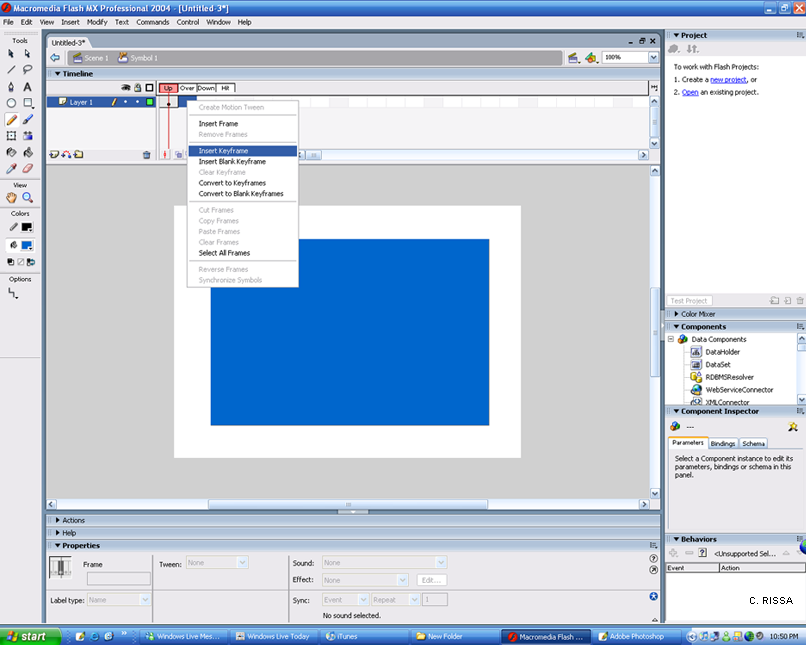
Step 5: Go back to your Over state and Click on what you want to use to create your 'Hover'. I will use a simple Pencil.
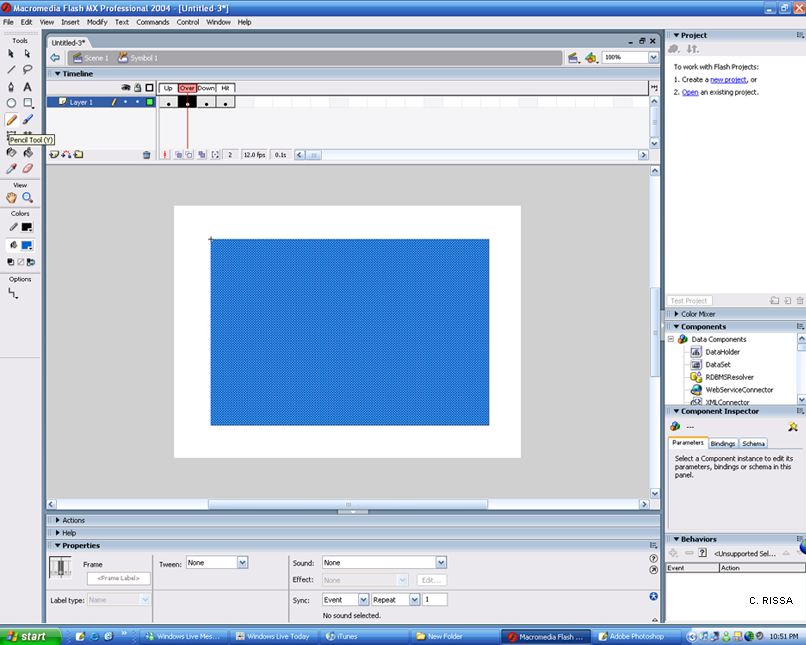
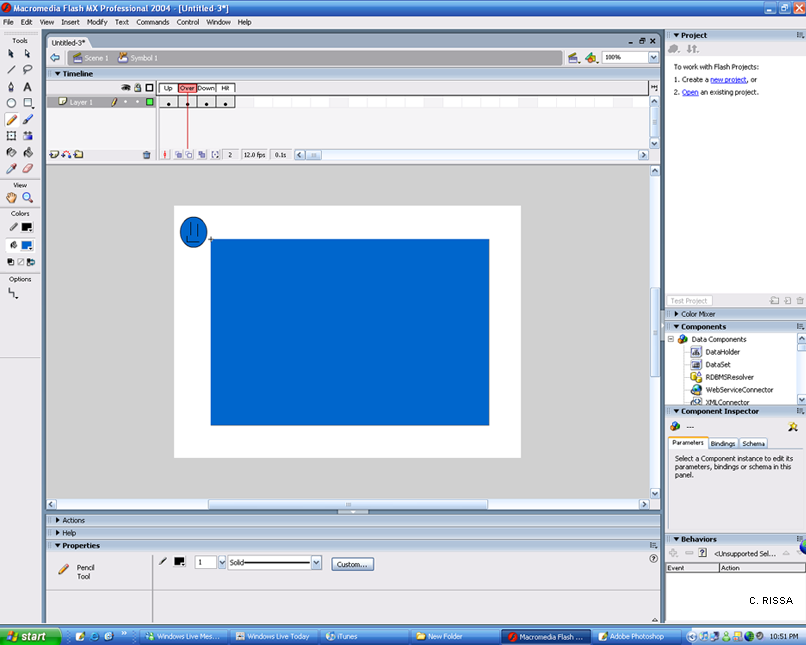
- Draw whatever you want or make whatever you want your Hover to look like.
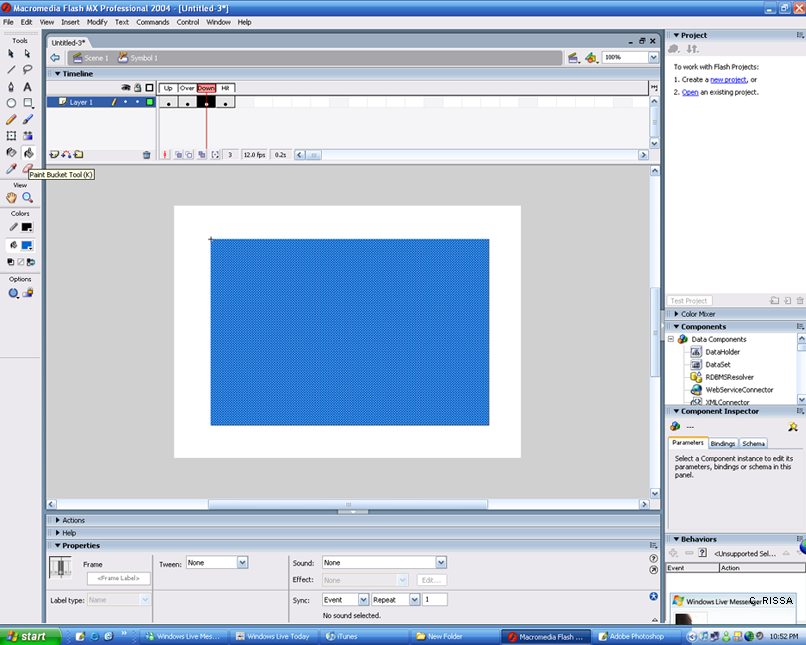
Step 6: Click on your Down state. Take whatever tool you want to use to make your Click look like. I will use a Paintbucket tool and fill it green.
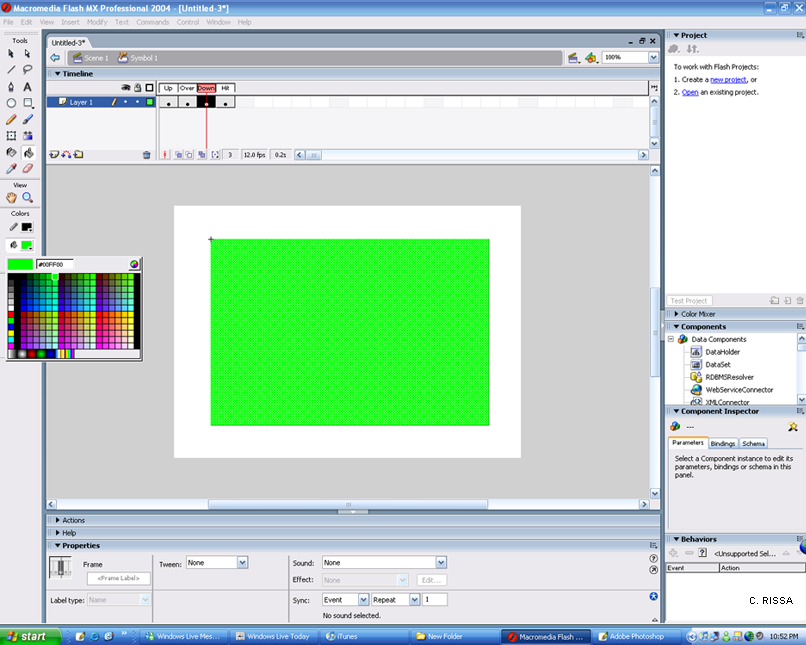
Step 7: After you're done, Go to Control, Test movie to see what it looks like.
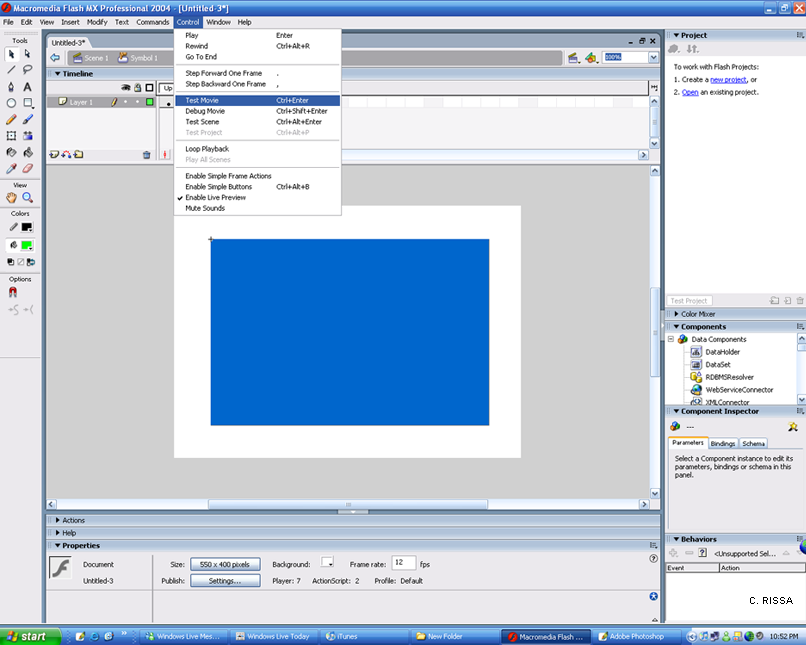
- My Hover
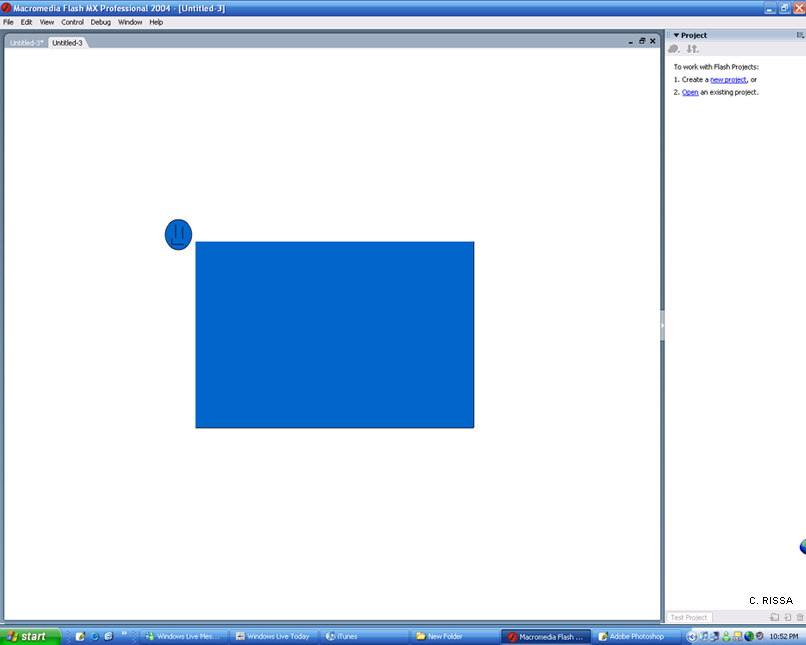
- My Click
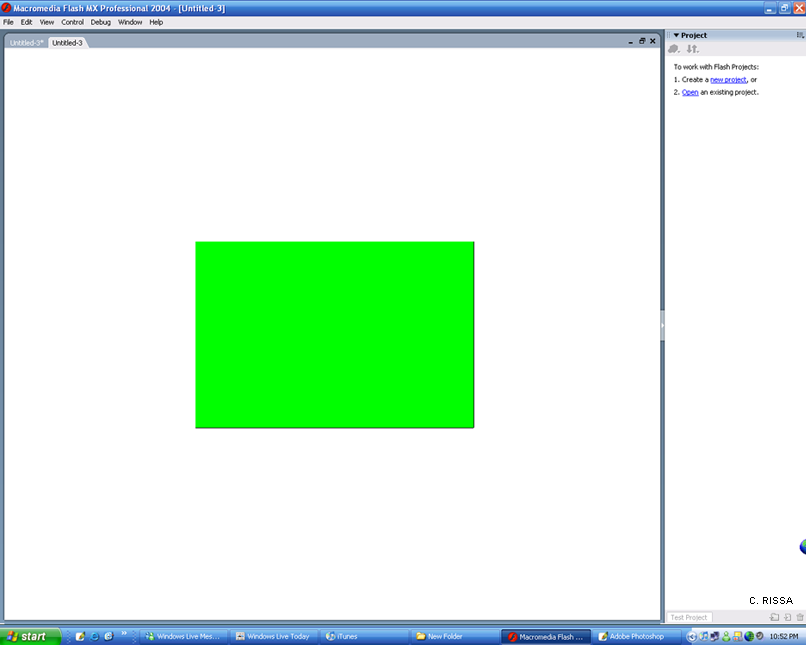
When you're done with that, go to File, Export, Export Movie. Then you can upload it with whatever server you want and put it on your site.
Step 1: Open your Micromedia Flash Program. It should look like mine. Then go to Flash Document.
Step 2: Take your base for your button. I will just use a rectangle.
Step 3: Take your Selection Tool.
-Right Click. And go to Convert to Symbol.
-Name it whatever you want, And set the behavior to Button. Then click Okay.
Step 4: Double Click your symbol, And on your timeline at the top, you'll see Up Over Down and Hit.
-Right click on those and Insert Keyframe for all of them.
Step 5: Go back to your Over state and Click on what you want to use to create your 'Hover'. I will use a simple Pencil.
- Draw whatever you want or make whatever you want your Hover to look like.
Step 6: Click on your Down state. Take whatever tool you want to use to make your Click look like. I will use a Paintbucket tool and fill it green.
Step 7: After you're done, Go to Control, Test movie to see what it looks like.
- My Hover
- My Click
When you're done with that, go to File, Export, Export Movie. Then you can upload it with whatever server you want and put it on your site.
Tutorial Comments
Showing latest 7 of 7 comments

wonderful work..........go ahead...
By lokman on Jan 22, 2009 7:25 pm

this is so badass thnx
By meltmyheart2stone on Dec 4, 2008 5:07 pm
gooood
By karenwai on Nov 27, 2008 2:01 pm

i can do this on photshop and fireworks. it's alway good to learn from another program.
By sweetness07 on Sep 11, 2008 1:59 am

I use flash a lot but making buttons is probably the hardest thing for me, good tutorial!
By 0nadia0 on Jan 13, 2008 1:28 pm

lol im totaly lost. i mean i have flash but i never been taught how to use it
By ShadowedRose on Oct 23, 2007 6:50 am

o.O;;
By Jehbaedas on Aug 7, 2007 7:25 pm
