Glow (comments)
Displaying 1 - 12 of 12 comments

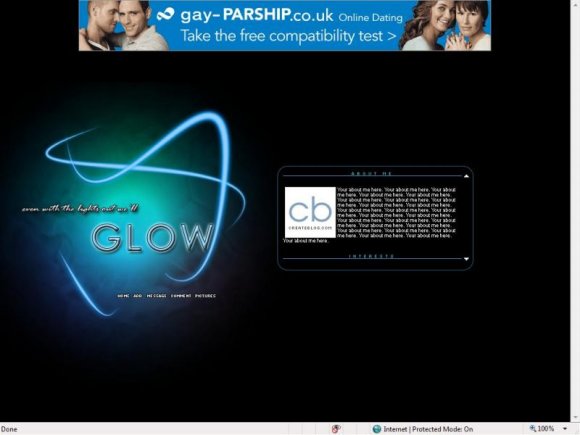
To change the pic you have to put in a picture url. You can now find this by going to your albums on myspace and picking one of your pictures. Once you clicked on a picute you should see a box that contains the URL. Copy that then put it after the "img src=" part. There you go! Although I don't know if this layout resizes the pic automatically so you should pic a small pic. To resize a pic try going to photobucket,imageshack,or tinypic.

hey, how do i get rid of the createblog icon and put one of my own in?

i really like the layout! its amazing
just how do you get that white box away :S
i really like the layout! its amazing
just how do you get that white box away :S

Sweet...great quote, colors, style, and nav...good work

how do you get rid of the white pic so i can put my pic into it


i like the quote & colors you used. very clean & simple. great job! :)
Add Comment
You must be logged in to comment