Div layout with CSS rollover debugging help needed, Code that should work, but doesn't. |

 Apr 7 2008, 07:53 PM Apr 7 2008, 07:53 PM
Post
#1
|
|
|
Newbie  Group: Member Posts: 3 Joined: Apr 2008 Member No: 638,632  |
Hey, I need a little help. I am an experienced web designer, but Myspace defies all logic. Here's my code:
CODE #Background { position:absolute; left:0px; top:0px; width:983px; height:676px; z-index:1; background-image: url(http://i161.photobucket.com/albums/t228/midnights_ghost/background.png); } #arrow { position:absolute; left:445px; top:15px; width:137px; height:233px; z-index:2; background-image: url(http://i161.photobucket.com/albums/t228/midnights_ghost/arrow.png); overflow: hidden; } #arrow:hover { position:absolute; left:445px; top:15px; width:137px; height:245px; z-index:2; background-image: url(http://i161.photobucket.com/albums/t228/midnights_ghost/arrowhome.png); background-repeat:no-repeat; } #pics { position:absolute; left:43px; top:0px; width:150px; height:235px; z-index:3; background-image: url(http://i161.photobucket.com/albums/t228/midnights_ghost/closed.png); background-repeat:no-repeat; } #pics:hover { background-image: url(http://i161.photobucket.com/albums/t228/midnights_ghost/picsopen.png); background-repeat:no-repeat; } #blog { position:absolute; left:833px; top:0px; width:150px; height:235px; z-index:3; background-image: url(http://i161.photobucket.com/albums/t228/midnights_ghost/closed.png); background-repeat:no-repeat; } #blog:hover { background-image: url(http://i161.photobucket.com/albums/t228/midnights_ghost/blogopen.png); background-repeat:no-repeat; } #comments { position:absolute; left:43px; top:221px; width:150px; height:235px; z-index:3; background-image: url(http://i161.photobucket.com/albums/t228/midnights_ghost/closed.png); background-repeat:no-repeat; } #comments:hover { background-image: url(http://i161.photobucket.com/albums/t228/midnights_ghost/commentsopen.png); background-repeat:no-repeat; } #message { position:absolute; left:833px; top:221px; width:150px; height:235px; z-index:3; background-image: url(http://i161.photobucket.com/albums/t228/midnights_ghost/closed.png); background-repeat:no-repeat; } #message:hover { background-image: url(http://i161.photobucket.com/albums/t228/midnights_ghost/messageopen.png); background-repeat:no-repeat; } #add { position:absolute; left:43px; top:438px; width:150px; height:235px; z-index:3; background-image: url(http://i161.photobucket.com/albums/t228/midnights_ghost/closed.png); background-repeat:no-repeat; } #add:hover { background-image: url(http://i161.photobucket.com/albums/t228/midnights_ghost/addopen.png); background-repeat:no-repeat; } #friends { position:absolute; left:833px; top:438px; width:150px; height:235px; z-index:3; background-image: url(http://i161.photobucket.com/albums/t228/midnights_ghost/closed.png); background-repeat:no-repeat; } #friends:hover { background-image: url(http://i161.photobucket.com/albums/t228/midnights_ghost/friendsopen.png); background-repeat:no-repeat; } CODE <div id="Background"></div> <a href="http://blog.myspace.com/index.cfm?fuseaction=blog.ListAll&friendID=294773753"> <div id="blog"></div> </a> <a href="http://comment.myspace.com/index.cfm?fuseaction=user.viewComments&friendID=294773753"> <div id="comments"></div> </a> <a href="http://messaging.myspace.com/index.cfm?fuseaction=mail.message&friendID=294773753"> <div id="message"></div> </a> <a href="http://messaging.myspace.com/index.cfm?fuseaction=invite.addfriend_verify&friendID=294773753"> <div id="add"></div> </a> <a href="http://friends.myspace.com/index.cfm?fuseaction=user.viewfriends2&friendID=294773753"> <div id="friends"></div> </a> <a href="http://home.myspace.com/index.cfm?fuseaction=user"> <div id="arrow"></div> </a> <a href="http://viewmorepics.myspace.com/index.cfm?fuseaction=user.viewAlbums&friendID=294773753"> <div id="pics"></div> </a> And here's a couple of screen shots so you have an idea of how it looks on my local preview: 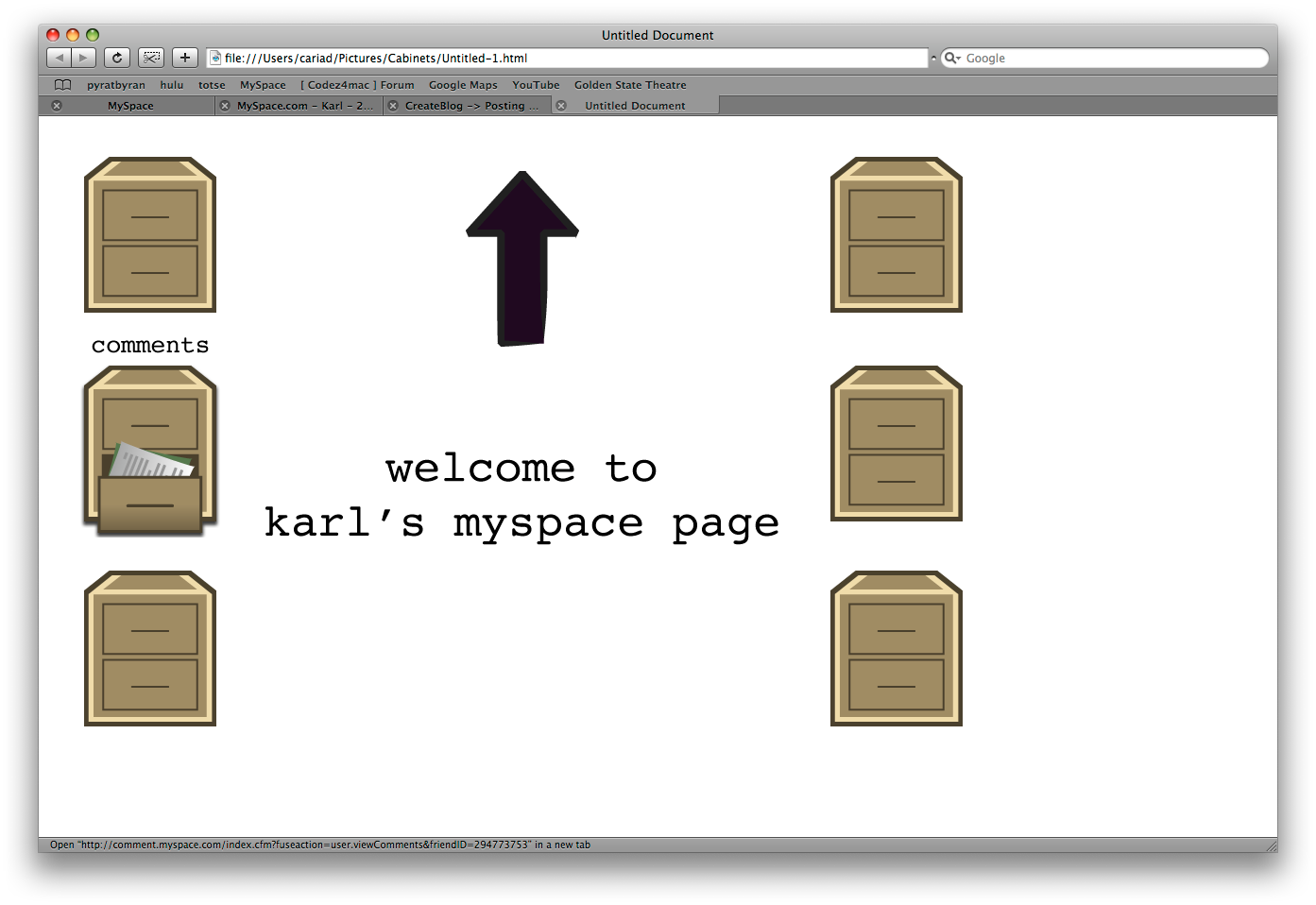 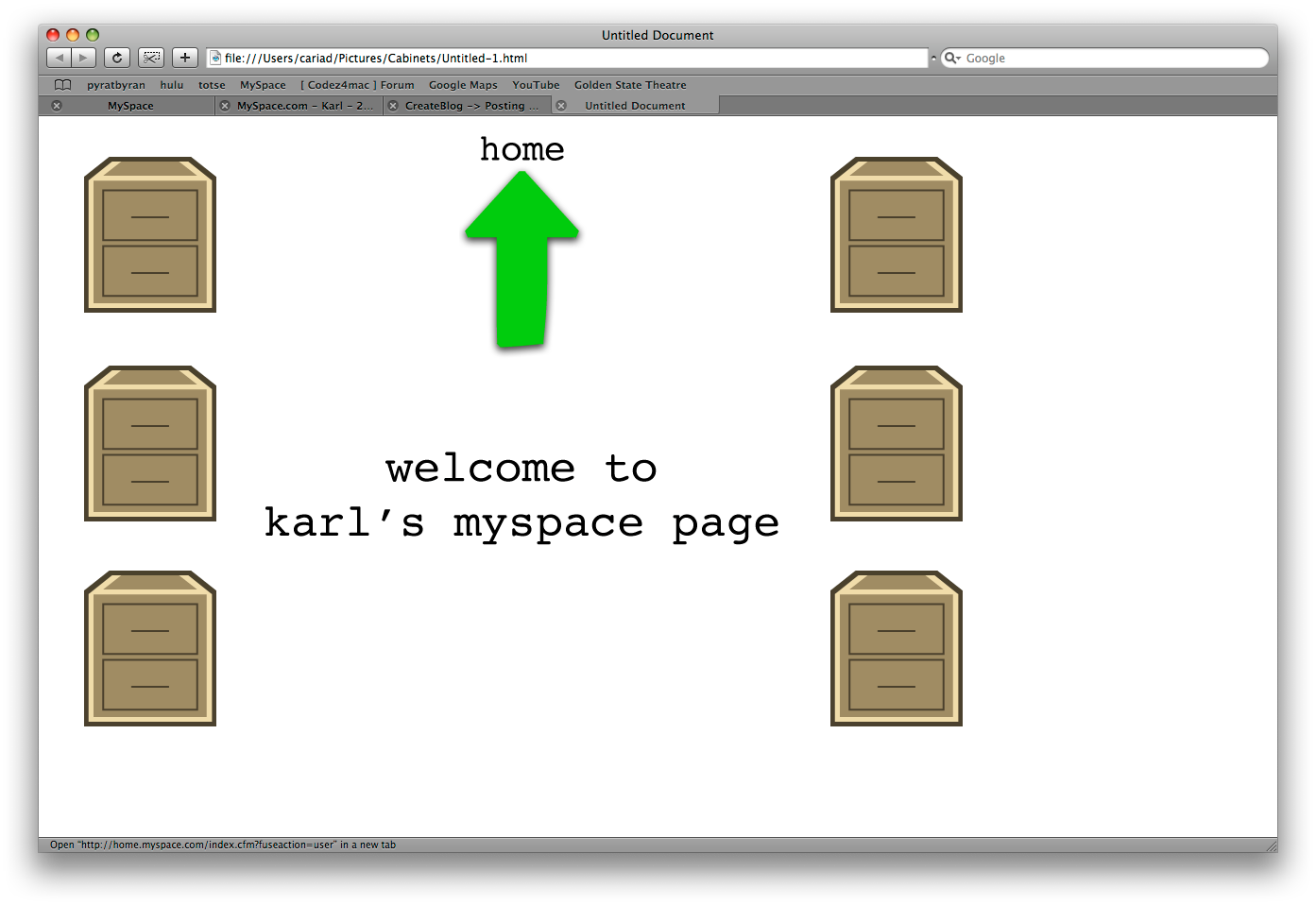 The object is an extremely minimalistic layout, with the elements opening and drop shadowing when I mouseover. To avoid the deadly Javascript trap, I used CSS, and in my browser preview, it looks really, really good. When I get to Myspace and insert the code? Here's the layout: myspace.com/geistmitternacht Does not look quite as good. I used the script found on CreateBlog to hide everything. Can anyone help out a poor soul? Karl |
|
|
|




Posts in this topic

 miyashu Myspace doesn't allow the use of the id select... Apr 7 2008, 09:32 PM karlp Thank you. I'll attempt that, and report back ... Apr 7 2008, 09:53 PM karlp That seems to have worked! Now I need to do so... Apr 7 2008, 10:00 PM
 miyashu you're welcome! i'm glad i could help ... Apr 7 2008, 10:27 PM
  |
1 User(s) are reading this topic (1 Guests and 0 Anonymous Users)
0 Members: