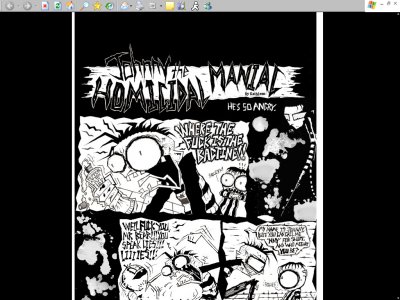
Using This Layout
For specific instructions read designer's comments
- 1. Log into blogger.com
- 2. Click on Template
- 3. Copy (ctrl c) and paste (ctrl v) code to EDIT HTML
Layout Comments
Showing latest 10 of 13 comments

fcsd

Haha, awesome. :)
You should tell people to change to clasic view on the bottom links when editing.
They seem to be going crazy... hhahah

it's just showing up white, with nothing there! help?!

Based on everybodies problem i would have to tell you to chage your blog to "Blogger Classic" then chage the layout with this one! Its just a minor problem the artist didn't feel the need to explain to you! Thank and happy bloging!

same prob as eveyone else D: VVVV help!

does anyone know how to fix the error messages that come up on blogger ,
i cant use any of the layouts
=(

love this ...
http://theoneworthit.blogspo t.com/

huhu**!
.... you work is soo beautifull..but it doesn´t work...*!! =(
.. i can´t put it onto my bloggerside**!
Pleaaaaaaaaa de help me...!!
Soon as possible..!

>.< i get the same error message. and with other blogger layouts too. why can't i get them to work on my blogger?
help me please it wont work on my blogger it says - Your template could not be parsed as it is not well-formed. Please make sure all XML elements are closed properly.
XML error message: The content of elements must consist of well-formed character data or markup. - HELP!
